
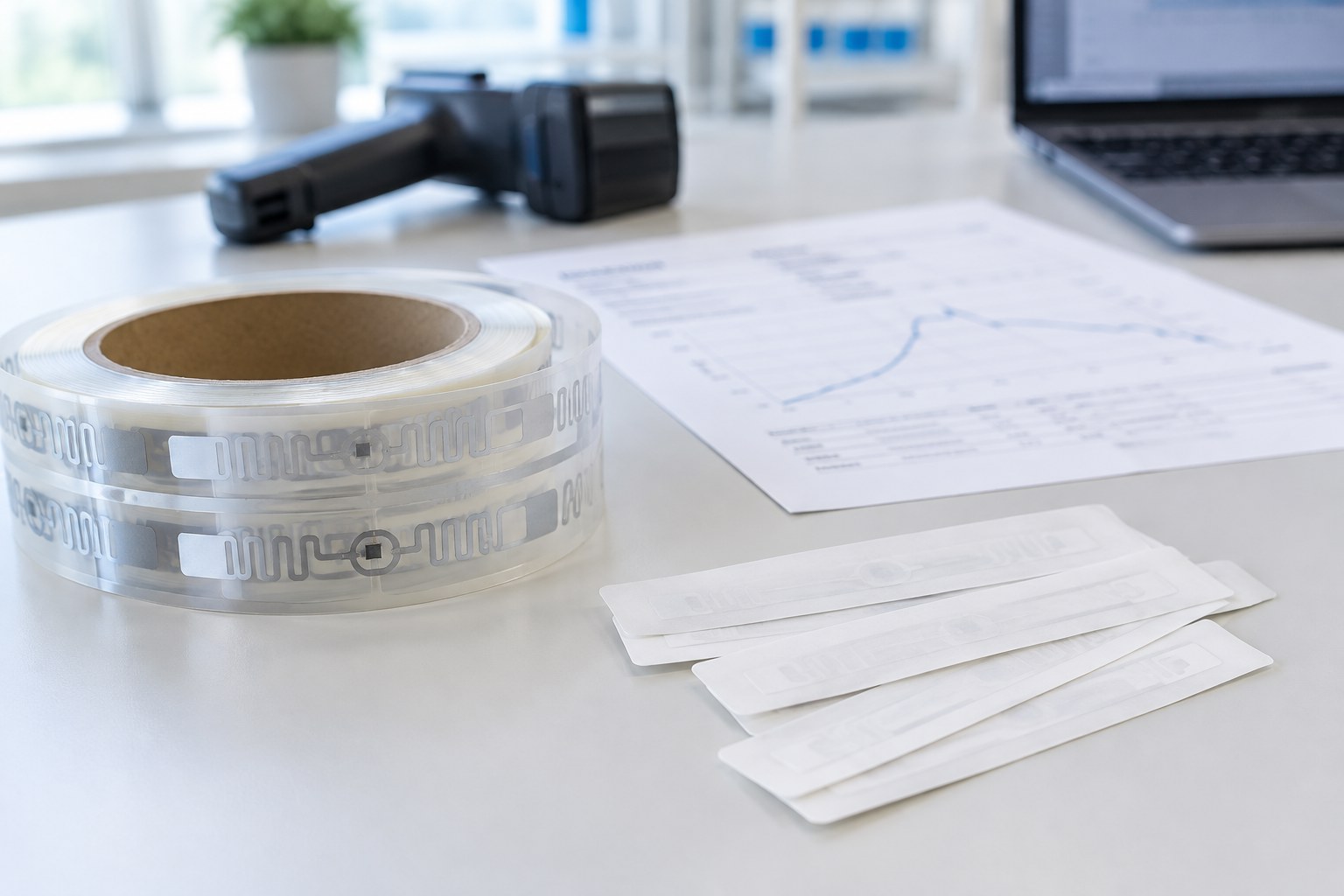
Two RFID inlays can look almost the same on the reel and still perform completely differently on your product. The difference is written in the datasheet. The problem: most datasheets are full of numbers, units and abbreviations that are hard to compare unless you know what to look for.
In this article we go through a typical UHF RFID inlay datasheet section by section. You will learn what each value really means, which numbers matter most for your project and which ones you should never take at face value.
A datasheet tells you how a tag performs in the lab. Your job is to find out how it will perform on your product.
1. The Chip: The Brain of the Tag
Almost every datasheet starts with the IC (integrated circuit), meaning the chip type, for example a chip from the NXP UCODE or Impinj Monza and M families. The chip decides three important things: how much data the tag can store, how sensitive it is and which special features it offers.
Also check the air interface protocol. For UHF RFID this should be EPC Gen2 (often written as EPC Gen2v2) and ISO/IEC 18000-63. These standards make sure the tag works with readers from any brand.
2. Memory: What the Tag Can Store
A UHF tag has four memory banks. The datasheet lists their size in bits.
| Memory bank | What it holds | Typical size | What to check |
|---|---|---|---|
| EPC | The item number, for example a GS1 SGTIN | 96 to 496 bits | 96 bits is enough for most retail and logistics jobs |
| TID | The chip’s own factory ID | Usually 96 bits | Ask if the TID is serialized (unique per chip), it helps against copies |
| User | Extra data such as batch, date or maintenance info | 0 to a few kilobits | Many retail chips have no user memory at all |
| Reserved | Access and kill passwords | 2 x 32 bits | Needed if tags must be locked or killed at checkout |
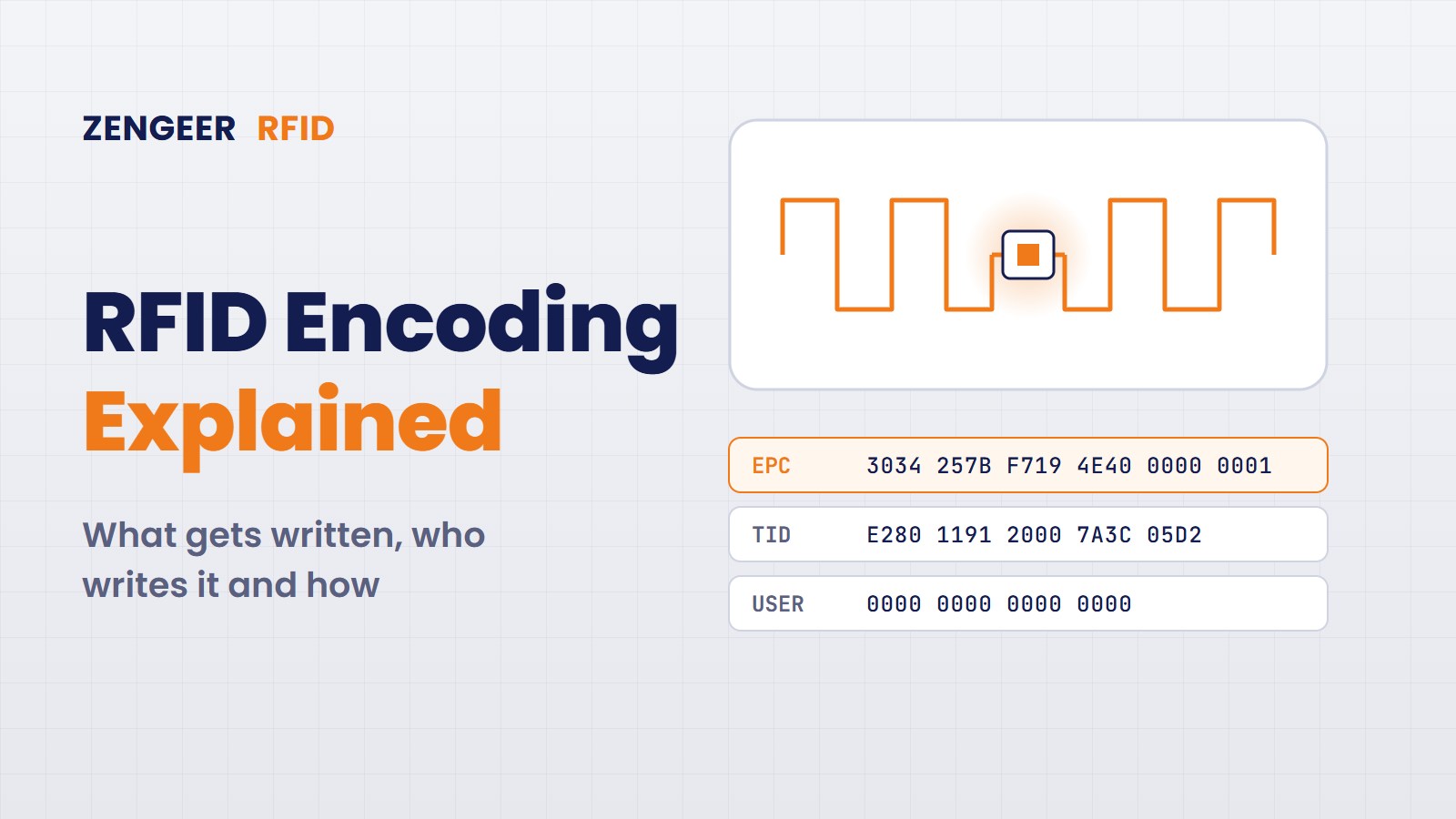
More memory is not always better. Bigger memory often means a slightly less sensitive chip and slower encoding. Choose what your use case really needs. If you want to know what gets written into these banks and by whom, read our article RFID Encoding Explained.
3. Sensitivity and Read Range: The Numbers Everyone Looks At
Sensitivity is given in dBm, and the values are negative. The rule is simple: the more negative the number, the more sensitive the tag. A tag with a read sensitivity of −24 dBm needs less energy from the reader than one with −20 dBm, so it can be read from further away.
- Read sensitivity tells you how little energy the tag needs to answer.
- Write sensitivity is always weaker than read sensitivity. It matters for encoding speed on printers and production lines.
- Chip sensitivity and tag sensitivity are not the same. The chip value is measured on the bare chip. The tag value includes the antenna and is the one that counts for you.
Many datasheets also show a read range in metres, often as a curve across the frequency band. Read it carefully. This value is usually theoretical: measured or calculated in free air, with a certain reader power, with no product behind the tag. On a real carton, bottle or garment the range can be much shorter.
Also look at the frequency curve. UHF RFID uses different bands around the world, roughly 865 to 868 MHz in Europe and 902 to 928 MHz in the US. A “global” tag should perform well across the whole range from 860 to 960 MHz. A tag tuned only for one region can be weak in another. Our article on worldwide UHF frequency allocations explains the differences.
4. Antenna and Dimensions: Will It Fit Your Label?
This section is essential for label printers and converters.
- Antenna size: the size of the aluminium pattern itself.
- Die cut size: the size of the inlay after cutting. Your label must be bigger, with enough margin so the cutting tool never touches the antenna.
- Pitch: the distance from one inlay to the next on the reel. It must match your converting or printing setup.
- Web width and rows: how wide the reel is and how many inlays sit side by side.
- Format: dry inlay (no adhesive), wet inlay (with adhesive and liner) or paper face tag.
5. Target Materials: What Was It Designed For?
Every antenna is tuned for a certain environment. Good datasheets say which materials the tag was optimised for, for example cardboard, plastic, apparel or glass. Standard inlays do not work directly on metal or on liquids. Those need special designs, such as on metal tags or spacers.
If the datasheet does not mention materials at all, ask. And always test the tag on the real product. This is exactly the trap we describe in our article The Biggest RFID Mistake Companies Make.
6. Environment and Reliability: Will It Last?
| Value | What it means |
|---|---|
| Operating temperature | The range in which the tag works, for example for freezers or hot warehouses |
| Storage conditions and shelf life | How long unused inlays stay good, and at which temperature and humidity. Wet inlays often have a shorter shelf life because of the adhesive |
| Data retention | How many years the chip keeps its data |
| Write cycles | How often the memory can be rewritten |
| ESD rating | How well the chip survives static electricity, important on fast production lines |
7. Certifications and Compliance
Many large retailers only accept tags that passed a recognised performance program, such as ARC from the Auburn University RFID Lab. The datasheet or the supplier should tell you which ARC specifications the tag is approved for. Also look for RoHS and REACH compliance, which most customers in Europe will ask for.
8. Delivery Format: The Part Production Teams Care About
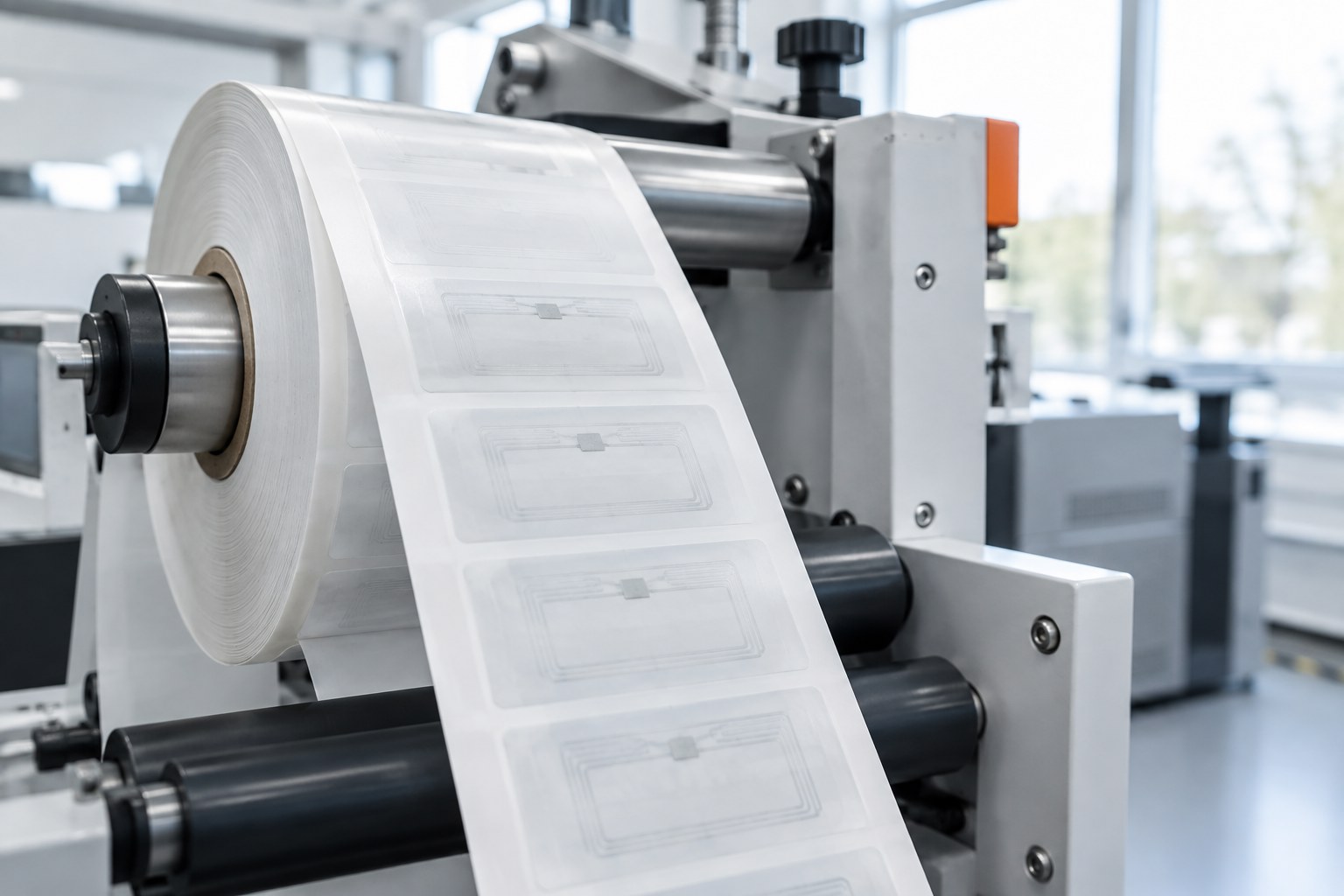
This section is often at the end and often skipped. It should not be. It decides how smoothly the inlays run on your machines.
- Inlays per reel and maximum reel diameter
- Core diameter, which must fit your unwinder
- Winding direction and position of the inlays on the web
- How defective inlays are marked, for example with an ink dot or a punch
- Guaranteed yield: the minimum share of good inlays per reel
- Splices: whether joins are allowed in a reel and how they are marked
Red Flags in a Datasheet
- A read range without saying how it was measured (reader power, region, material)
- Only chip sensitivity, no tag sensitivity
- No information about target materials
- No yield or defect marking information
- No storage conditions or shelf life for wet inlays
None of these automatically means a bad product. But each one is a good reason to ask the supplier for more data or for samples.
Your Quick Checklist
- Does the chip have the memory and features my use case needs?
- Is the tag sensitivity good across the frequencies where my product will be read?
- Does the die cut size fit my label with safe margins?
- Was it designed for my product’s material?
- Do the temperature range and shelf life fit my supply chain?
- Is it ARC approved, if my customer is a large retailer?
- Do reel, core, pitch and defect marking fit my machines?
From Datasheet to Real Product
A datasheet is the start of a tag decision, not the end. Use it to make a shortlist of two or three candidates, then test them on your real product, in your real environment, with your real readers. That is where the right tag shows itself.
At Zengeer RFID we come from the machine side of RFID production. We have worked with inlays, chips and test systems for years, and we help companies choose tags that work on their products and run smoothly in production.
Not sure which tag fits your product? Get a Free Consultation and let us compare the options together.


Leave a Reply